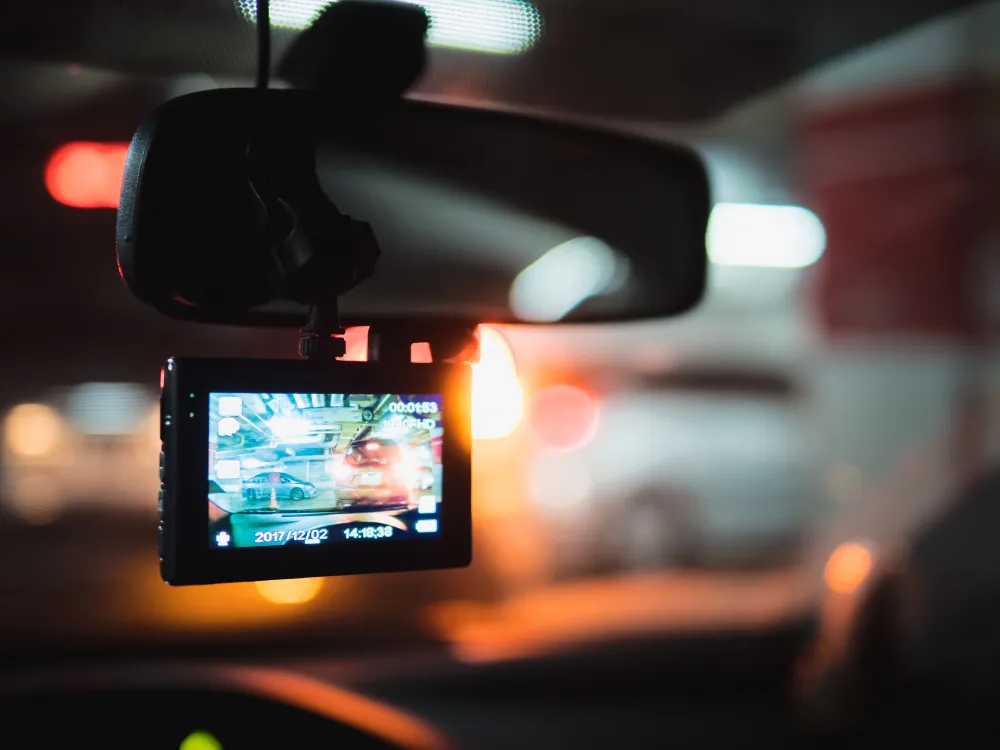
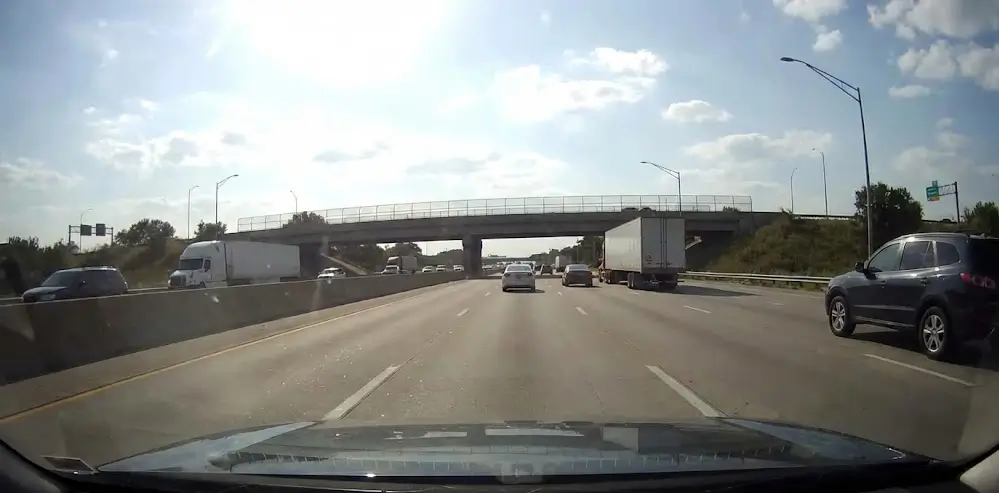
TL;DR: True HDR helps a dash cam hold detail in bright and dark areas at the same time, which is what matters when headlights, low sun, or reflective plates are in play. Digital enhancement can make footage look sharper, but it can’t recover detail the sensor never captured, so it often falls apart when you zoom in and actually need proof.
Key Takeaways:
You can buy a dash cam that claims “HDR” and still end up with washed-out number plates at night, blown-out headlights, and a windscreen that turns into a mirror when the sun hits it. That’s because a lot of what gets sold as HDR is really digital enhancement, which can look punchy on a product page but falls apart when you actually need evidence.
HDR stands for High Dynamic Range, and the “range” part is the whole point. It’s about how well a camera records bright and dark detail at the same time, in the same scene.
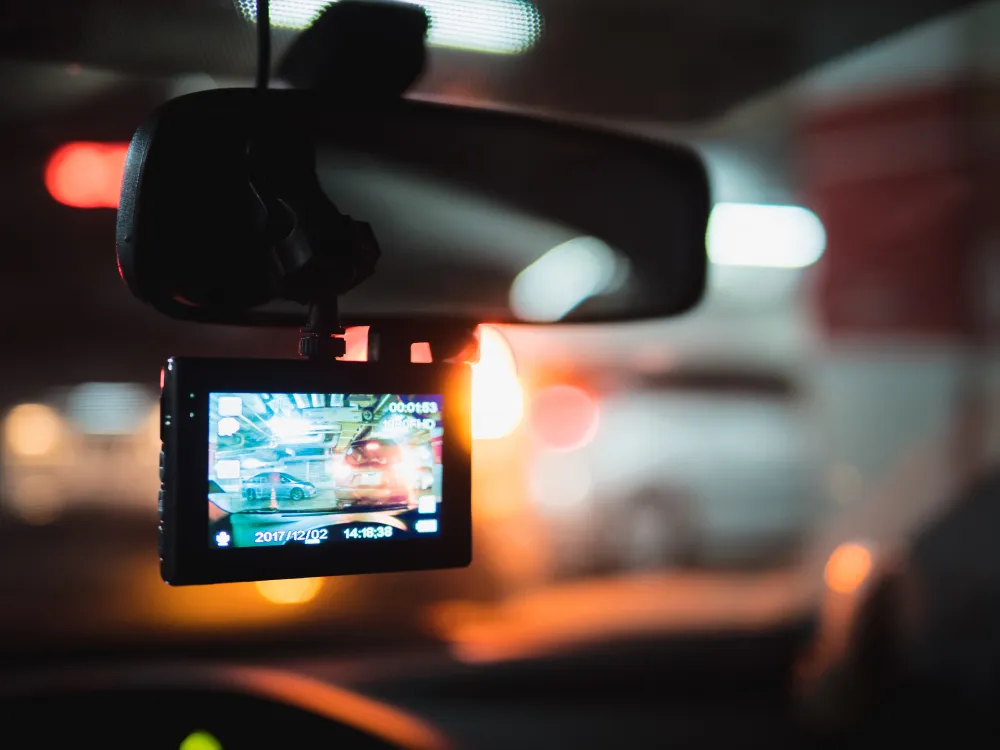
Think tunnel exits, low sun through the windscreen, headlights at night, or a reflective rego plate under street lights. A dash cam that produces clean HDR dash cam video in those moments is doing something more than sliding a few filters.
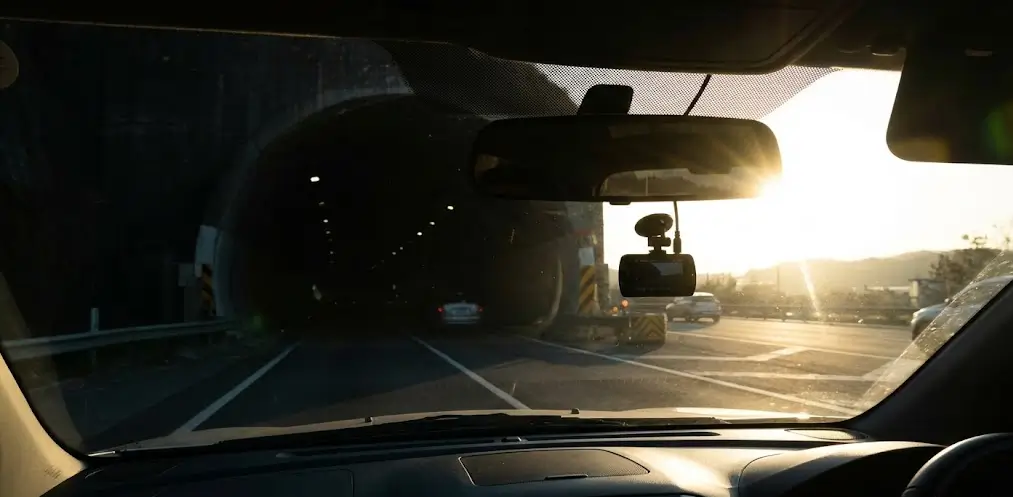
Dynamic range is the gap between the darkest detail a camera can see and the brightest detail it can keep without turning it into a white blob. The wider the gap, the more likely you are to read a plate at night while still seeing the shape of the car behind those lights.
Dash cams are small, sit behind glass, and have to cope with glare, reflections, and fast-changing light. They also need to record for hours without overheating, which is why real HDR is hard and strong HDR dash cam video usually comes from better hardware and smarter processing.
True HDR is most often based on multi-exposure capture, sometimes called multi-frame HDR. The camera takes two or more exposures of the same moment, then merges them to preserve highlights and shadows. That sounds simple, but the execution is where cheap systems fall over.
In a tunnel-to-sunlight transition, one exposure will protect the bright exit while another keeps detail inside the tunnel. When combined properly, you get usable detail across the whole frame, which is the goal of HDR dash cam video.
Multi-exposure HDR can sometimes cause ghosting or blur if the camera is slow at merging frames, so fast-moving plates can smear.
WDR is usually a lighter, single-exposure tweak that lifts shadows and tames highlights, but it’s not the same as true HDR and won’t always deliver the same real-world HDR dash cam video results.
Digital enhancement is a broad label, but it usually means the camera is dressing up the footage after it’s been recorded. It can still look nicer on-screen, but it doesn’t add real detail, which is why “HDR” can end up being a label instead of a real feature.
You do not need to be an engineer, but you do need to be a little sceptical. Here’s how to evaluate claims without getting stuck in spec-sheet fluff.
Manufacturers love sample footage of beaches, trees, and steady daylight. Search for night driving footage that includes readable plates, harsh glare, and motion. If you can’t find it, assume the HDR dash cam video performance is average until proven otherwise.
If HDR mode makes moving objects smear, the camera may be merging frames too slowly. That can be a deal breaker if you want plates and faces to be readable during motion.
Some cameras only apply true HDR at certain settings. Others apply a light filter and call it HDR across the board. If the product description is vague, that’s a hint.
A quality sensor and a well-tuned processor are what make HDR work. Two cameras can both say “HDR” and deliver completely different HDR dash cam video, because the capture pipeline is not equal.
If you mostly drive in daylight and you want footage that looks crisp on a phone, enhancement can be enough. If your main goal is evidence at night, around glare, and in fast transitions, you should prioritise true HDR performance.
If you want to make this decision easy, start with your biggest risk. Is it night driving, street parking, rideshare, commuting, or long highway trips.
If you mainly want front-facing coverage with strong daytime clarity and fewer moving parts, a 1-channel dash cam install can be the clean, practical starting point.
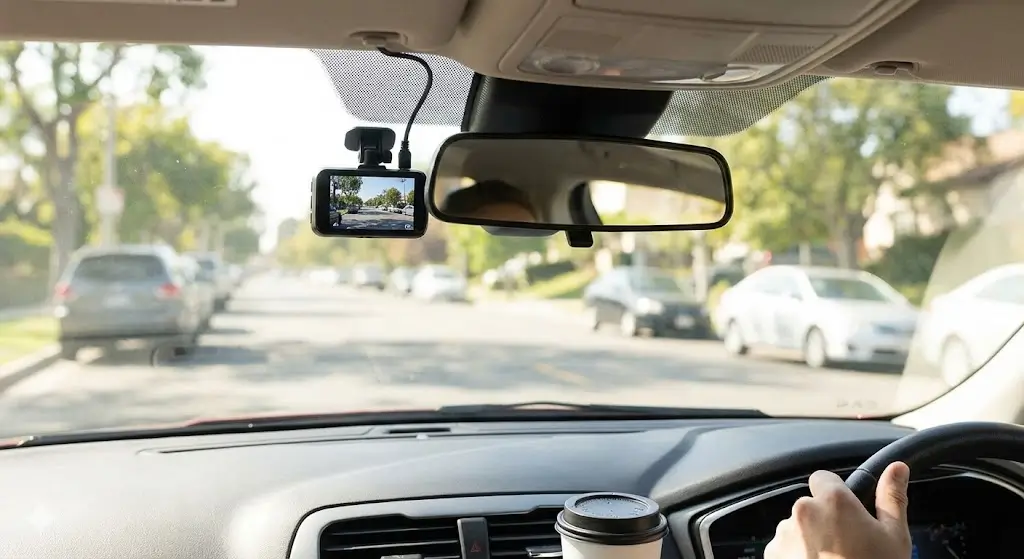
You will benefit from strong night performance and a stable power setup. A camera with real HDR plus a sensible parking power option can make the difference between “something happened” and “here is the evidence”.
You want clear daytime detail, stable bitrate, and reliable heat handling. HDR helps when the light changes fast, which is common on open roads with low sun and long shadows.
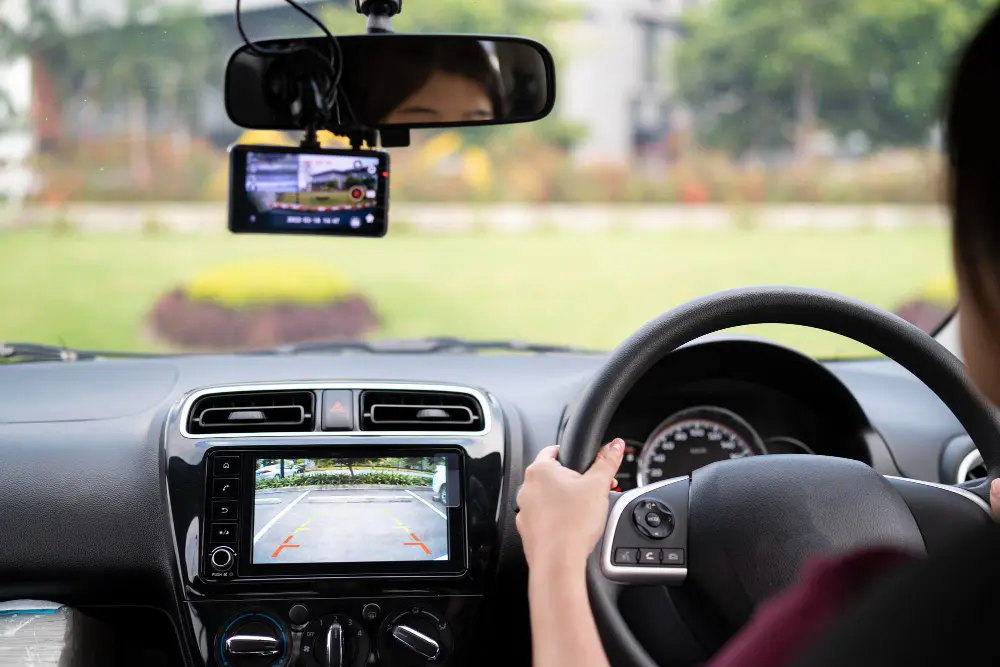
Coverage matters as much as HDR. A 2-channel or 3-channel system can protect you from both road incidents and in-cabin disputes, while still delivering solid HDR dash cam video out the front.
A dash cam is only as good as the footage you can retrieve and trust, so we set yours up for real driving conditions, not marketing claims. DNH DashCam Solutions is a Melbourne-based mobile installer (around 50 km from the CBD) with over 25 years of combined automotive experience, so placement, wiring, and settings are done properly.
We hide the cabling for a factory-style finish and can fit 1-channel, 2-channel, or 3-channel systems, including external battery packs for stronger parking coverage. After the install, we test everything and show you how to access footage, adjust key settings, and use parking mode without late-night guesswork.
If you want HDR dash cam video that holds detail in headlights, low sun, and quick light changes, we’ll help you choose the right setup and install it cleanly.
Contact DNH DashCam Solutions to book a mobile installation.