TL;DR: Loop recording continuously overwrites old footage so your camera never stops recording. To keep the clips that matter, use impact detection or save clips manually, fit an endurance SD card and a reliable power source such as a hardwire or quality external battery. Back up any critical footage straight away.
Key Takeaways:
Loop recording is the simple system that keeps your dash cam rolling without you having to watch it: the camera writes video in short chunks and, when the memory card fills, it quietly overwrites the oldest files so recording never stops.
Knowing how loop recording decides which clips stay and which get erased helps you pick better settings, avoid common pitfalls and make sure the footage you need is safe when you need it.
At its core, loop recording breaks recordings into short files that are saved one after another. When the card reaches capacity the camera starts overwriting the oldest files so the camera never stops recording.
Most dash cams record in short chunks, usually one to five minutes long, and save each chunk as its own file. Breaking video into small files makes the camera’s job easier when writing to the card and makes it much quicker for you to find and share an incident.
Short files are safer because a problem during writing only affects that one clip instead of a long recording. Longer files mean fewer pieces to manage and a bit more continuous footage, but they can make it harder to locate the exact moment you need.
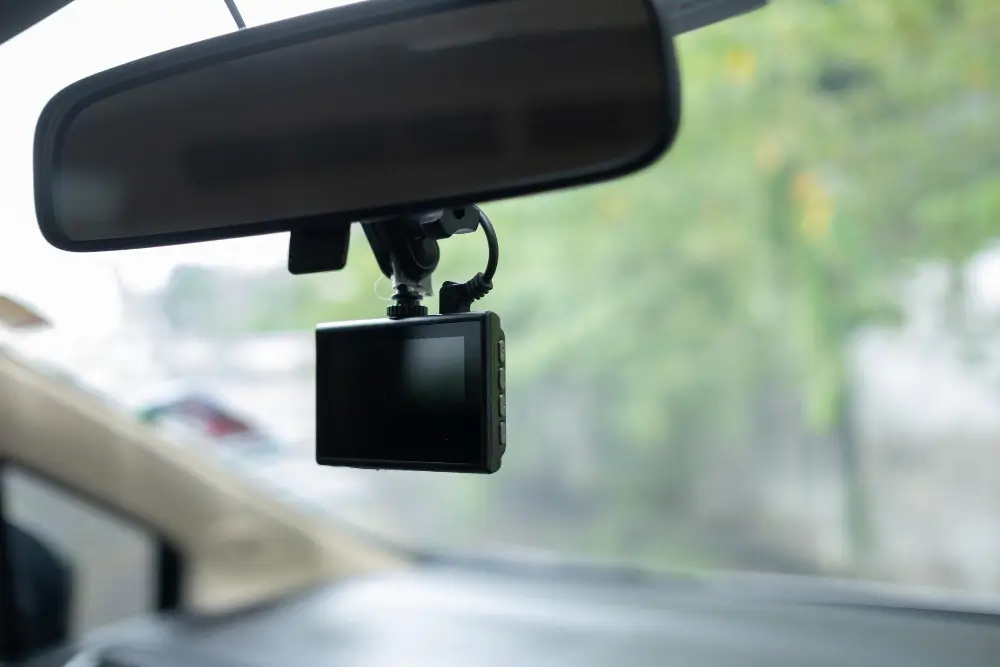
Modern dash cams will automatically lock clips so they are not looped over when they detect something important, and they also let you lock clips yourself. Common triggers include:
These protections give you a better chance of keeping the exact footage you need, but remember that manual saving and backing up remain the safest way to preserve important clips.
To see how some modern cameras can detect or even anticipate crashes and lock the seconds before an event, read this explainer on how dash cams can predict crashes.
Loop recording protects momentary events but it can still leave gaps if the system is misconfigured if the memory card is poor quality or if the camera loses power. These are the common weak points to check.
For detailed examples of storage and power mistakes, see this guide on dash cam storage and power mistakes exposed.
Low quality SD cards can corrupt files or fail to record reliably when under continuous write stress. Using an endurance rated card from a trusted brand and formatting it in the camera reduces the risk of data loss.
If the camera loses power during a write cycle the current file can become corrupted and unreadable. Hardwiring your camera or using a reliable external battery reduces the chance of losing footage when the engine is off.
There is no one size fits all for loop settings; pick the segment length and overwrite behaviour that match how you use your vehicle.
Drivers who spend more time on long trips may prefer longer segments while urban drivers may favour shorter ones.
If your daily driving involves many short trips use shorter segment lengths to make it quicker to find relevant clips. Short segments also reduce the size of corrupted files when incidents happen.
For long distance drivers longer segments can reduce file management overhead and slightly extend the total recording time per card. Remember to use a large capacity endurance SD card to avoid gaps.
Use impact detection and the camera’s manual save, and fit a reliable hardwire or external battery so important clips are locked and recording keeps running.
Move any clip you want to keep to your phone, laptop or cloud right away; leaving it only on the dash cam risks accidental overwriting.
Format the SD card in the camera as recommended, check the card’s health and test the camera once a month to catch problems early.
Loop recording deletes old uneventful footage to keep recording continuous and to maximise usable storage. This means most routine driving footage is not kept forever which helps manage storage and keeps retrieval simple.
Archiving all footage would require very large storage or complex management which most users do not need. Loop recording focuses resources on keeping the camera recording and protecting likely incidents.
Even casual footage can be useful after a crash or a dispute so adopt a saving habit if you suspect anything unusual. Save early and save often to avoid losing relevant clips.
Many users assume their camera will catch and keep everything which is not always true. The usual mistakes are using low quality cards ignoring firmware updates and not protecting or backing up clips when needed.
Manufacturers release firmware updates that fix bugs and improve recording stability. Installing updates keeps the camera reliable and can fix subtle bugs in loop recording and event detection.
Plugging the camera into a cigarette lighter socket without a proper hardwire kit can lead to intermittent power and incomplete file saves. A professional hardwire or an external battery pack offers a safer and more reliable solution.

DNH Dash Cam Solutions is a Melbourne-based team supplying and installing premium dash cam systems and battery packs. Our mobile service delivers on-site installation and comes with a three-year warranty on workmanship for long-term peace of mind.
We match trusted brands like BlackVue, FineVu and Thinkware to the vehicle and your needs, and we hide wiring for a neat finish.
We also provide hardwire and external battery pack options so parking mode stays reliable without draining your car battery.
Ready to stop wondering what your dash cam keeps and start protecting your footage with confidence?
We will show you how to save and back up clips, test the system on the spot and stand behind our work with a three year warranty.
Book Now on our website or send us a message to arrange a time that suits you.