TL;DR: SD card corruption in dash cams often stems from unstable power, heat, or low endurance cards. Choose a high endurance microSD, keep power stable with a proper hardwire kit, format in the camera regularly, and set bitrate and parking mode sensibly to protect your clips.
Key Takeaways:
Not every warning means the card is done for. Your dash cam might be reacting to a simple formatting mismatch, a brief power dip when you start the car, or a write speed wobble that only looks like corruption.
Small glitches turn into big headaches if you leave them. Catch the early signs, back up your clips, and you’ll protect your footage and your wallet.
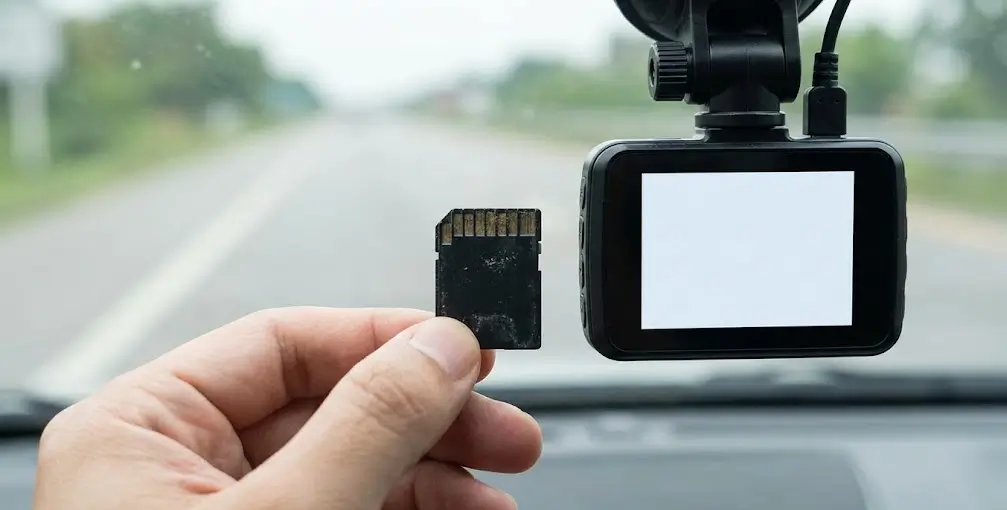
Dash cams hammer storage in a way phones rarely do. Continuous recording, loop overwriting, heat near windscreens, and sudden power cuts create the perfect storm for errors.
Parking mode pushes cards even harder because the camera is writing while the car is off. Low battery thresholds or cheap hardwire kits can make this worse.
When the camera loses power during a write, the current clip can’t close properly. That single bad shutdown can also damage the file system and trigger those “format card” messages.
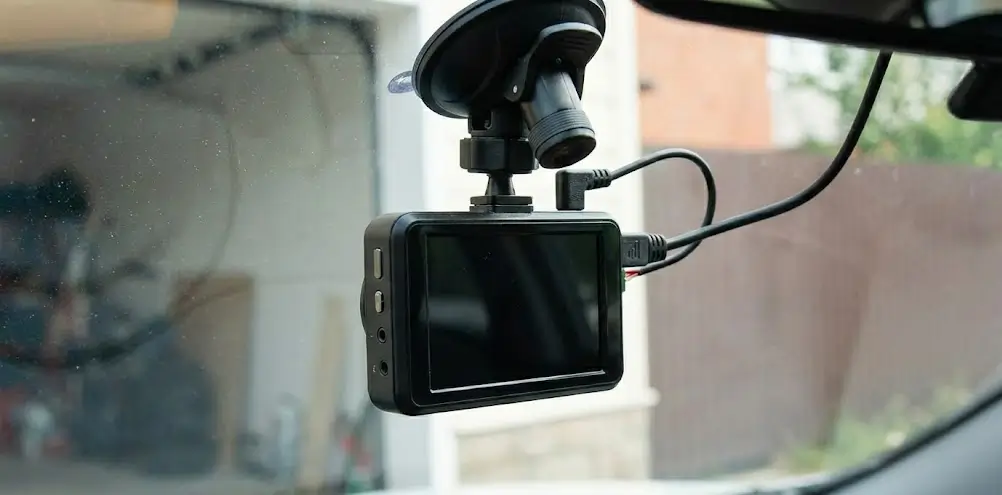
Budget cigarette‑socket adapters and old cables increase voltage drop. A hardwired kit with a low‑voltage cut‑off reduces crashes and keeps the footage intact.
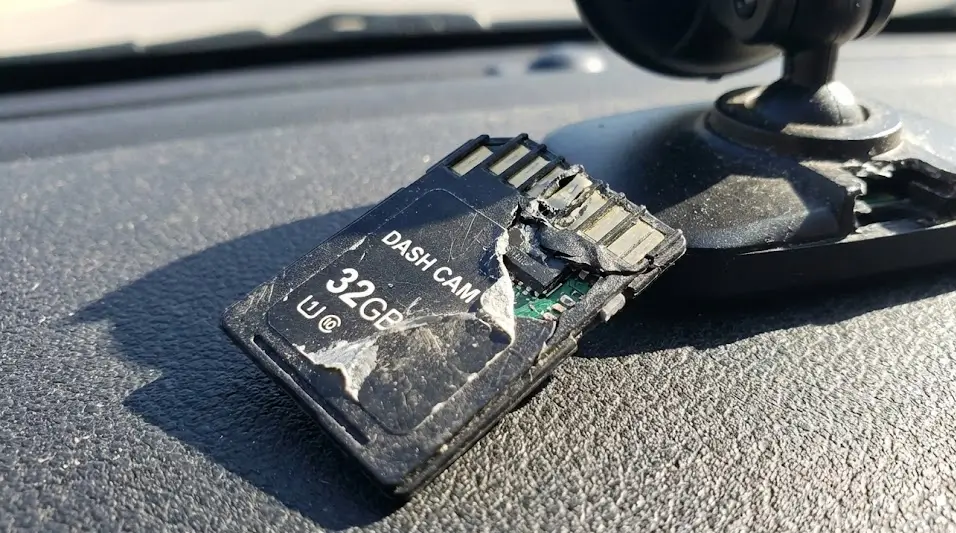
Australian summers turn cabins into ovens, especially under glass. Excessive heat accelerates wear in flash cells and weakens solder joints.
Leave a sliver of airflow when parked and avoid direct sun if you can. If your camera uses a battery, consider a capacitor‑based model that handles Aussie heat better, as we explain in our guide on battery dash cams failing in heat and why capacitors keep recording.
Dash cams write and overwrite from the first minute you start the car. Standard consumer microSD cards aren’t built for that workload.
High‑endurance or professional‑grade cards survive far longer under constant writes. Choose reputable brands and avoid suspiciously cheap marketplace listings.
Counterfeit cards report fake capacities and slow speeds. They appear fine until your camera hits the real limit, then files vanish.
Only buy from trusted retailers and test new cards on a computer. A quick capacity and speed test can save you from weeks of mystery errors.
You don’t need guesswork here. Follow these steps in order and stop as soon as the issue clears.
Run your computer’s basic disk check to tidy up directory errors and small glitches. Skip heavy “deep fixes” that rewrite big chunks of the card unless you’ve already backed up your files.
If you manage to recover the clips, retire the card sooner rather than later. Repeat errors are a red flag that the memory cells are wearing out and the card can’t be trusted.
Install the latest firmware from the dash cam brand. Manufacturers often improve card handling, heat management, and boot behaviour.
In settings, confirm loop length, bitrate, and parking mode sensitivity are sensible. Extremely high bitrates on slow cards can trigger a “corrupted SD card dash cam” error under stress.
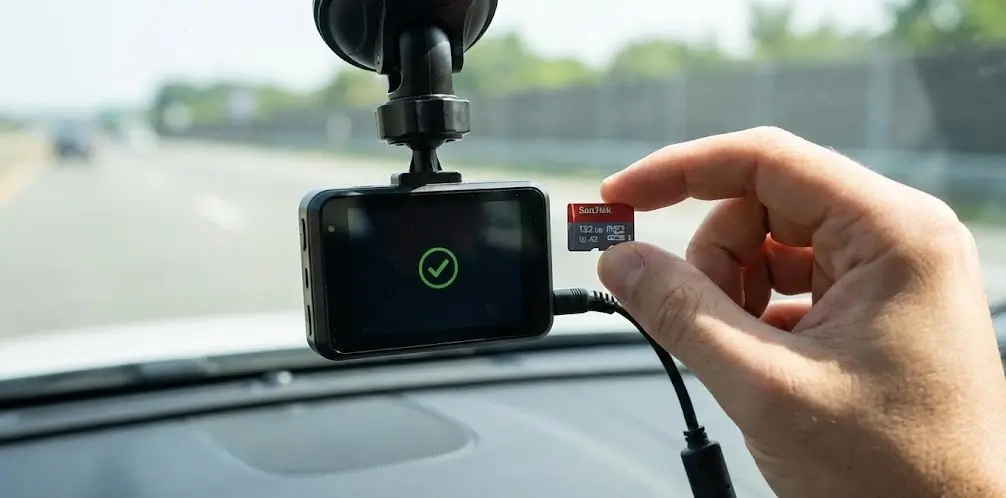
Choose a high‑endurance microSD sized for your needs. A larger card reduces how often sectors are rewritten and usually lasts longer.
If your current card has failed more than once, retire it. Keeping a spare in your glovebox prevents gaps after an incident.
Think of this as your maintenance schedule for storage. A few small habits prevent most failures.
Format the card in the camera about once a month to keep the file system clean. It tidies fragmented metadata and helps stop weird playback or missing seconds.
If you drive daily or use parking mode, switch to a fortnightly format. Set a simple reminder on your phone so it actually happens.
For high‑endurance cards used daily, plan a refresh every 12 to 24 months depending on capacity and parking mode hours. Heavy fleet or rideshare use may warrant annual swaps.
Write the install date on a piece of tape on the case. When in doubt, treat your card like wiper blades and replace before it fails.
Ask for a hardwire kit with a smart low‑voltage cut‑off to protect both the camera and your battery. Stable power prevents mid‑write crashes that corrupt files.
Avoid using tired adapters and mystery USB cables. Quality wiring, fuses, and routing matter more than people think.
Park in shade when possible and crack the windows slightly for airflow. A reflective sunshade helps lower cabin temps during summer.
If your camera supports a parking temperature cut‑off, enable it. It’s better to stop recording for a short period than destroy a card.
Set motion sensitivity to realistic levels so the camera isn’t recording the entire night. Too many false events can fill and churn the card quickly.
Consider a dedicated dash cam battery if you need long parking coverage. It reduces stress on your car battery and keeps voltage steady.
DNH Dash Cam Solutions is a Melbourne-based mobile installer that comes to you across greater Melbourne. We focus on neat, factory-finish installs with tidy wiring, correct fusing, stable power, and storage that records when it counts.
With more than 25 years’ combined automotive experience, you can book online in minutes or talk to a real person for advice. Bring your own camera or choose supply and install, and we’ll size the right card and power kit, set it up properly, service suburbs within about 50 km of the CBD including Caroline Springs, and advise on parking mode, endurance cards, and battery options to reduce corruption risks.
If you’re seeing warnings or dropped clips, don’t wait for a total failure. A clean install with the right card and power kit solves most issues and keeps your dash cam honest.
Book your mobile install with us today.